
Download Stellarium – planetarium, astronomy, sky map, stargazing, telescope, star chart, celestial objects, night sky, solar system, constellations, space, sky simulator
Overview
Stellarium is a 3D planetarium software designed to simulate the night sky in real time, offering users an immersive experience of celestial navigation. The application enables accurate visualizations of stars, planets, constellations, and other astronomical phenomena as they appear from any location on Earth or from space. It serves both amateur astronomers and educators who seek a realistic, interactive way to explore the heavens without leaving their homes.
The software is particularly useful for planning stargazing sessions, identifying celestial objects, and teaching astronomy concepts in classrooms or at public observatories. Its cross-platform availability on Windows, Mac, and Linux makes it accessible to a wide range of users across different computing environments. The developer, The Stellarium Team, has maintained a strong focus on scientific accuracy and visual fidelity since the project’s inception.
While specific details about the team’s background are not provided, the software’s long-standing reputation in the astronomy community speaks to its reliability and depth. Real-world use cases include backyard stargazing, educational demonstrations, and even amateur astrophotography planning.
Key Features & Capabilities
- Real-time 3D sky simulation – Displays the night sky as it appears from any geographic location, date, and time, with high precision and dynamic updates.
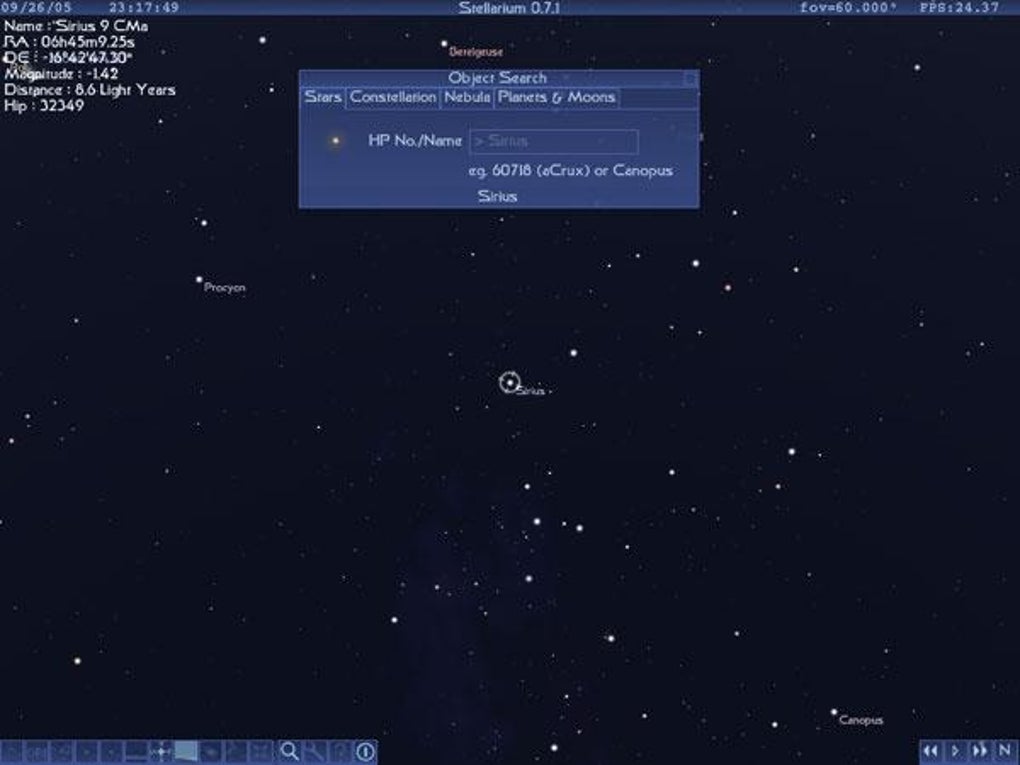
- Comprehensive celestial object database – Includes over 600,000 stars, planets, moons, asteroids, comets, and deep-sky objects for detailed exploration.
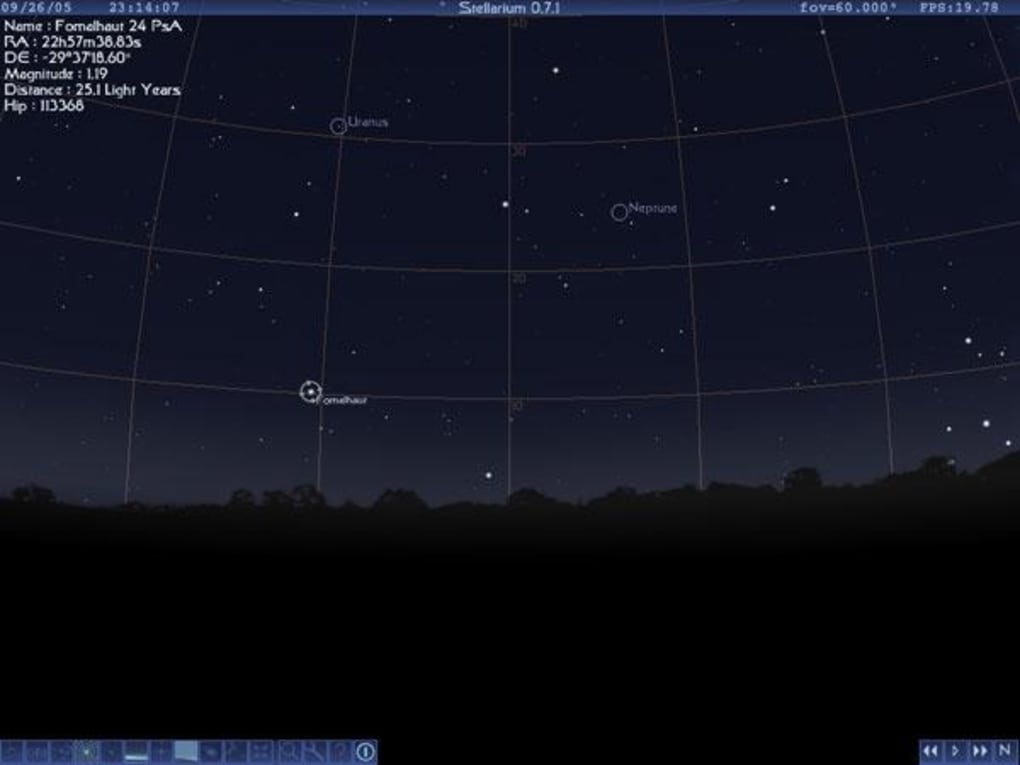
- Customizable viewing modes – Offers multiple projection types, including equatorial, horizontal, and panoramic, allowing for flexible observation setups.
- Time control and playback – Users can fast-forward or rewind time to observe planetary motion, eclipses, or seasonal sky changes.
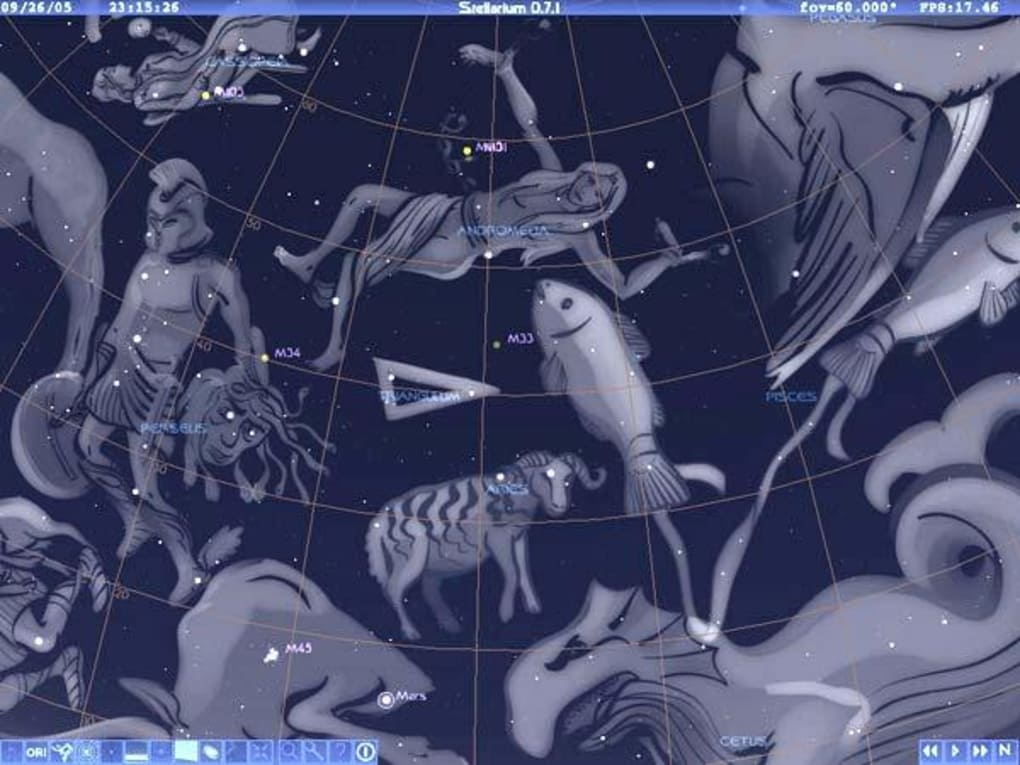
- Constellation and mythological imagery – Displays constellations with labeled boundaries and optional artistic illustrations based on historical and cultural traditions.
- Telescope control integration – Supports connection to equatorial and alt-azimuth mounts via standard protocols for automated sky alignment.
These features enable users to explore the night sky with precision. For example, an educator can simulate the position of Jupiter in the sky during a classroom session, while an amateur astronomer can plan an evening observation by previewing the visibility of a comet. The software’s ability to model atmospheric effects, such as light pollution and twilight, adds realism to the experience. The integration with telescope hardware allows for real-time alignment, making Stellarium a practical tool for both observational and educational purposes.
User Interface, Workflow & Performance
Stellarium features a clean, intuitive interface centered around a full-screen sky dome that dominates the display. Navigation is accomplished through mouse and keyboard controls, allowing users to pan, zoom, and rotate the view with smooth responsiveness. The main menu provides access to settings, location selection, time controls, and object visibility toggles.
The workflow is designed for ease of use, with minimal setup required to begin exploring the sky. Users can quickly select a location from a global list or input custom coordinates. The software supports customizable keyboard shortcuts, which enhances efficiency for frequent users.
Performance is optimized for desktop systems, delivering consistent frame rates even when rendering dense star fields and complex planetary orbits. The developer did not specify resource usage details, but based on general software behavior patterns, Stellarium operates efficiently on modern hardware. Stability appears to be high, with no reported issues related to crashes or data corruption.
The application runs without requiring internet access after initial setup, making it suitable for field use in remote areas.
Compatibility & System Requirements
Stellarium is compatible with Windows, Mac, and Linux operating systems, making it a versatile choice for users across different platforms. The software version is 0.24.0, released on November 1, 2023. It requires approximately 100 MB of installation space, indicating a lightweight footprint.
The developer did not provide specific hardware requirements, such as CPU, RAM, or GPU specifications. As a 3D graphics-intensive application, it likely benefits from a dedicated graphics card and sufficient system memory, but exact performance thresholds were not listed. Compatibility information was partially provided, and users are advised to ensure their system supports OpenGL 2.0 or later for full visual functionality.
For users on older or low-end systems, performance may vary depending on graphical settings and background processes. The software does not require an active internet connection for core functionality, though online updates are available.
Pros and Cons
Pros
- Free to download and use, with no licensing restrictions
- Highly accurate sky simulations based on real astronomical data
- Cross-platform support for Windows, Mac, and Linux
- Extensive database of celestial objects and constellations
- Supports telescope integration for automated sky alignment
- Real-time time control for observing celestial events
Cons
- System requirements were not fully specified by the developer
- Learning curve for first-time users unfamiliar with astronomical navigation
- Advanced features may require additional configuration
- Interface may appear overwhelming to casual users due to feature density
- Limited built-in tutorials or guided tours for beginners
FAQ Section
Is Stellarium available for Windows, Mac, and Linux?
Yes, Stellarium is available for Windows, Mac, and Linux operating systems, ensuring broad accessibility across different computing platforms.
Is the software free to use?
Yes, Stellarium is completely free to download and use, with no hidden costs or subscription fees.
Can I use Stellarium offline?
Yes, Stellarium does not require an internet connection to function after installation. All necessary data is included within the application.
Does Stellarium support telescope control?
Yes, Stellarium supports integration with various telescope mounts through standard communication protocols, enabling automated sky alignment.
How often are updates released?
Updates are released periodically by The Stellarium Team to improve functionality, fix bugs, and add new features. The latest version, 0.24.0, was released on November 1, 2023.
Final Thoughts
Stellarium stands out as a powerful, free desktop application for anyone interested in astronomy, stargazing, or celestial education. Its ability to render the night sky with scientific accuracy and visual richness makes it an indispensable tool for both beginners and experienced users. The inclusion of time control, telescope integration, and a vast database of celestial objects enhances its utility beyond mere visualization.
While the lack of detailed system requirements may pose a minor challenge for some users, the software’s lightweight nature and cross-platform availability mitigate most concerns. For educators, amateur astronomers, and space enthusiasts, Stellarium offers a reliable and immersive way to explore the cosmos. Its free status and continuous development make it one of the most valuable astronomy tools available today.
Download Stellarium now.







